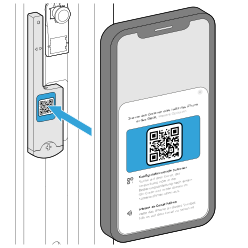
Teach sensor in SIEGENIA HomeConnect app
Prerequisites
- The sensor is installed and is in the default state. If the sensor has already been taught in, then carry out a factory reset first.
- A compatible home controller is taught in (see compatibility list).
- A smartphone with a compatible operating system version is available (see compatibility list).
- The wireless connection is free of interferences.
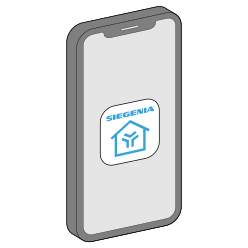
- Install the SIEGENIA HomeConnect app on the smartphone.
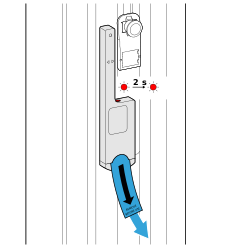
- Pull the battery protector out of the battery compartment.
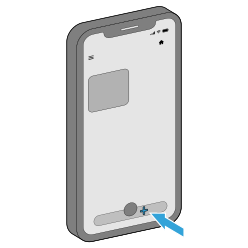
- Open the HomeConnect app and add a new device.
- Scan the QR code and follow the instructions on the screen.